The Glorious (Fruit Tree) Glossary
First, a bit of groundwork.
Trees are always in conversation with one another. We cannot know what the trees classified in the 1793 registers were saying (did they bicker? recite poetry?), how tall they were, or what they smelled like, but we know an astonishing amount about gardens that existed more than two hundred years ago. We know, for example, that they tended to be very small: most were less than a quarter of an acre. In fact, of the 732 plots for which we have information, the smallest was one-thousandth of an acre - a space that somehow managed to be big enough to host a fig, a walnut, two pears, and a mulberry tree.We also know that on average the gardens contained 28 trees (with counts ranging from 1 to 673). And because three of the registers recorded both the quantity and type of trees present in each garden (well, to be more precise, they recorded the quantity and type of fruit trees) we can piece together a tree-scape of 15,742 plants.
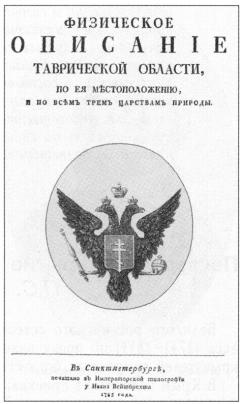
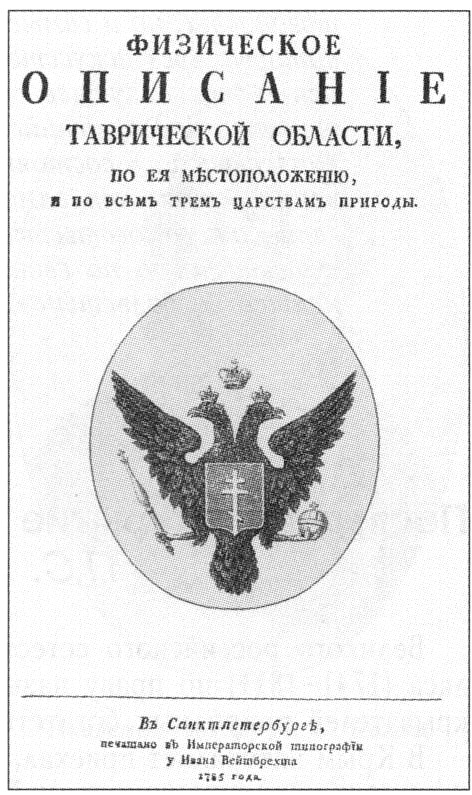
The classification scheme at work in the registers is reproduced in this glossary. To give the entries depth, we have drawn on the work of Karl Gablits (1752-1821), a naturalist and geographer whose Physical description of Tavrida Province (1785) revealed the botanical world of Crimea to curious audiences in Russia and throughout Europe. To what extent do these sources complement one another? Consider this:
- Gablits' study came on the heels of annexation (1783); the garden registers were compiled a decade later (1793).
- Gablits' work was designed to make the Crimean tree-scape recognizable to the reading public (and in particular to members of the European scientific community); the registers were designed to secure property claims and profits for the imperial government.
- Gablits' work is qualitative and textual; the registers are tabular and quantitative.
Now, the Good Stuff.
The Glossary includes all 16 fruit-bearing trees named in the registers.Clicking a tree name from the list below will open a page chock-full of information. Alternately, click on any red dot to see which villages contained gardens with that tree type. To see which other tree types were found at the same location, click the name of the village that interests you. Drag the dots around to reveal connections, and simply click any dot again to "close" it. You can "open" as many dots as you like. Curious what this looks like?