Collaborative Annotation and Participation (20% of Overall Grade)
Students are expected to collaboratively annotate articles, book chapters, images, videos and audio documents, and to participate actively in the discussion of and reflection upon the class material through individual and group assignments.
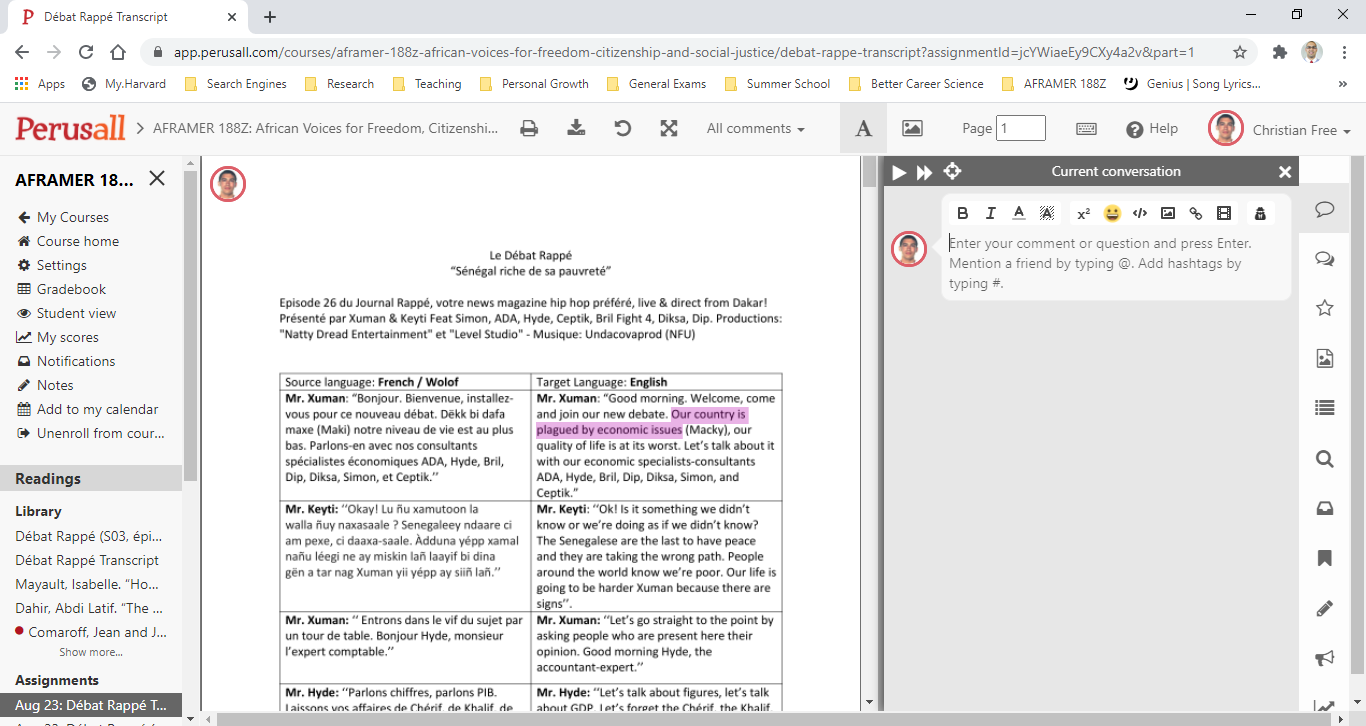
Media Annotations and Commentary (using Perusall)
Students will be asked to annotate various texts, images, and videos, as a way of interpreting, evaluating and critically engaging with artistic and activist voices across the African continent.In addition, the students are expected to add two (2) questions to their annotations and commentary (using Perusall Notes) based on the themes and materials of the week.
Short Video Assignments using Panopto (and Zoom, or other recording software)
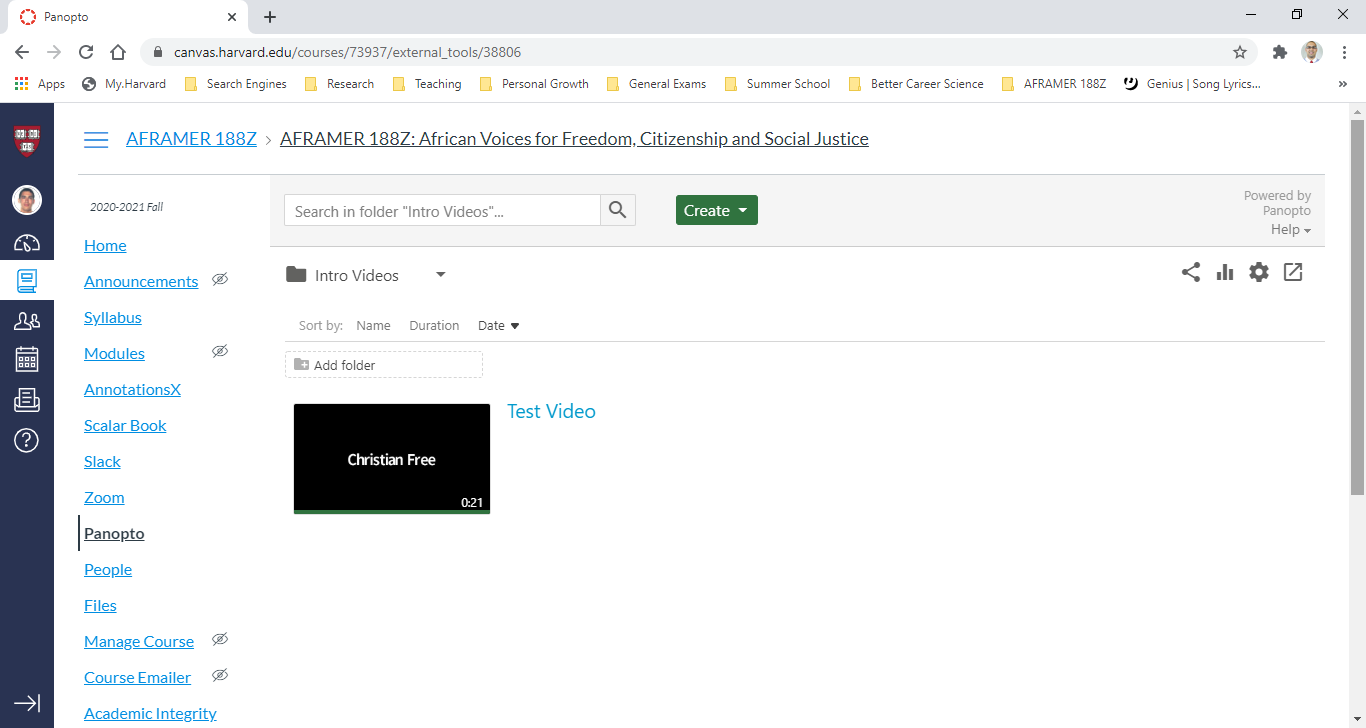
Students will occasionally be asked to create short audio/video recordings of themselves (<5 min) discussing a particular topic or focus for a given week. These video files will be uploaded via Panopto (in Canvas), and will be made available for viewing by the rest of the class *after* the Assignment due date. We recommend students simply use Zoom to make these clips using the record feature, downloading the video file to their computer after completing it and then uploading to Panopto in Canvas. However, Panopto does have native recording capabilities that students are welcome to use (support will be provided for either method).
All weekly assignments will be listed in the Modules tab for each week they are due, *however* students are advised to access Perusall through the main Perusall link, and Panopto through the main Panopto link, in Canvas every time to ensure proper application display in the browser.
Media Annotations and Commentary (using Perusall)
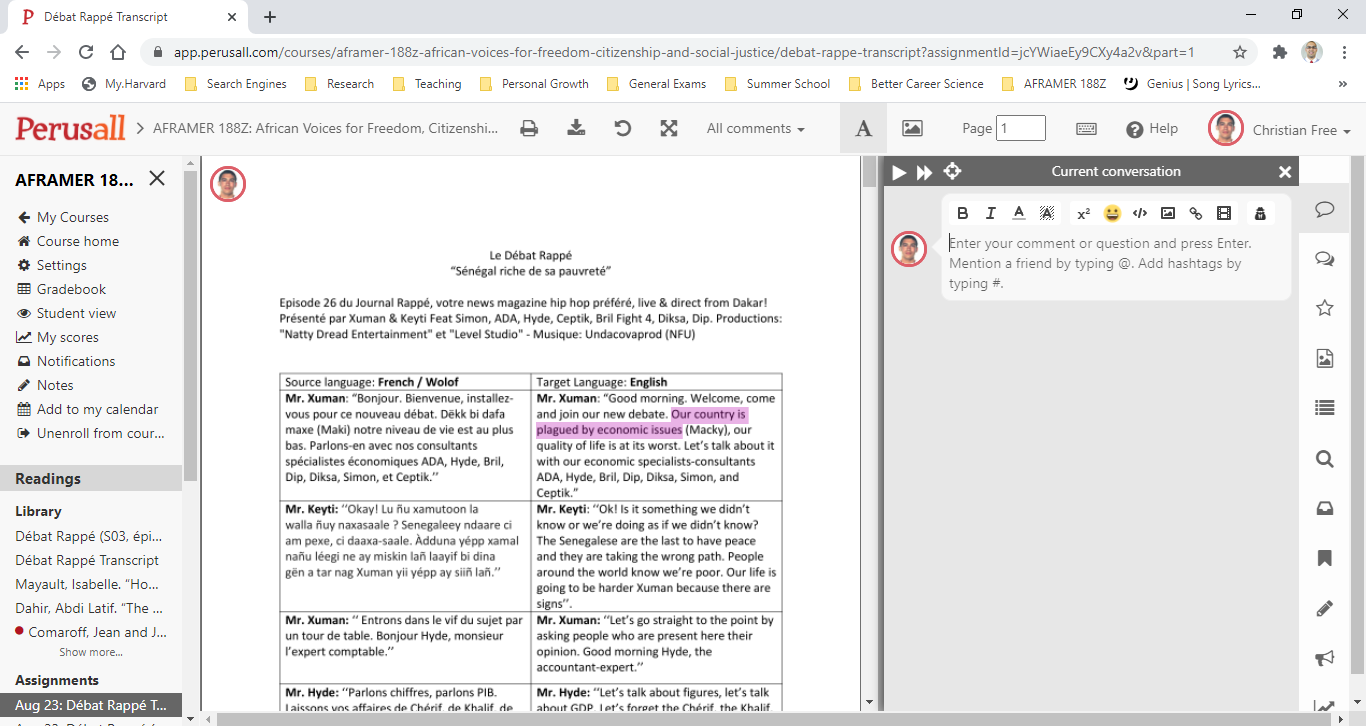
Students will be asked to annotate various texts, images, and videos, as a way of interpreting, evaluating and critically engaging with artistic and activist voices across the African continent.In addition, the students are expected to add two (2) questions to their annotations and commentary (using Perusall Notes) based on the themes and materials of the week.
Short Video Assignments using Panopto (and Zoom, or other recording software)
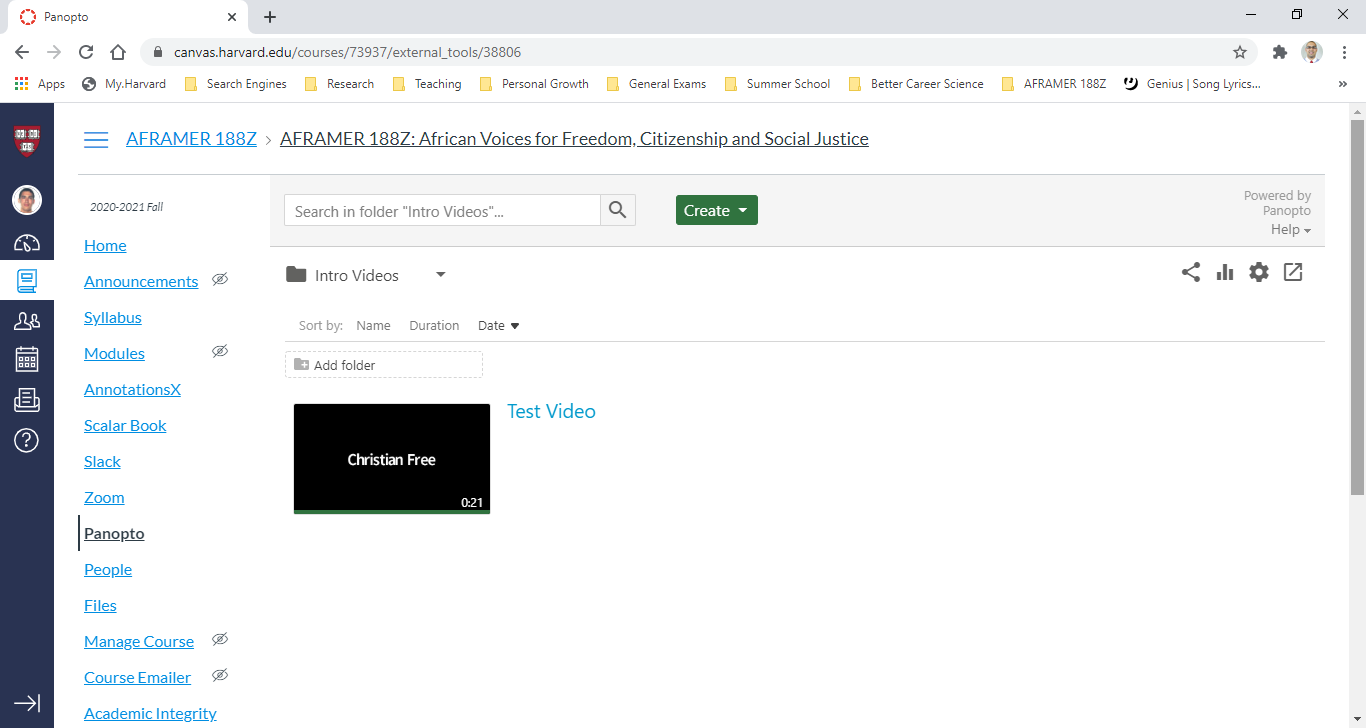
Students will occasionally be asked to create short audio/video recordings of themselves (<5 min) discussing a particular topic or focus for a given week. These video files will be uploaded via Panopto (in Canvas), and will be made available for viewing by the rest of the class *after* the Assignment due date. We recommend students simply use Zoom to make these clips using the record feature, downloading the video file to their computer after completing it and then uploading to Panopto in Canvas. However, Panopto does have native recording capabilities that students are welcome to use (support will be provided for either method).
All weekly assignments will be listed in the Modules tab for each week they are due, *however* students are advised to access Perusall through the main Perusall link, and Panopto through the main Panopto link, in Canvas every time to ensure proper application display in the browser.